
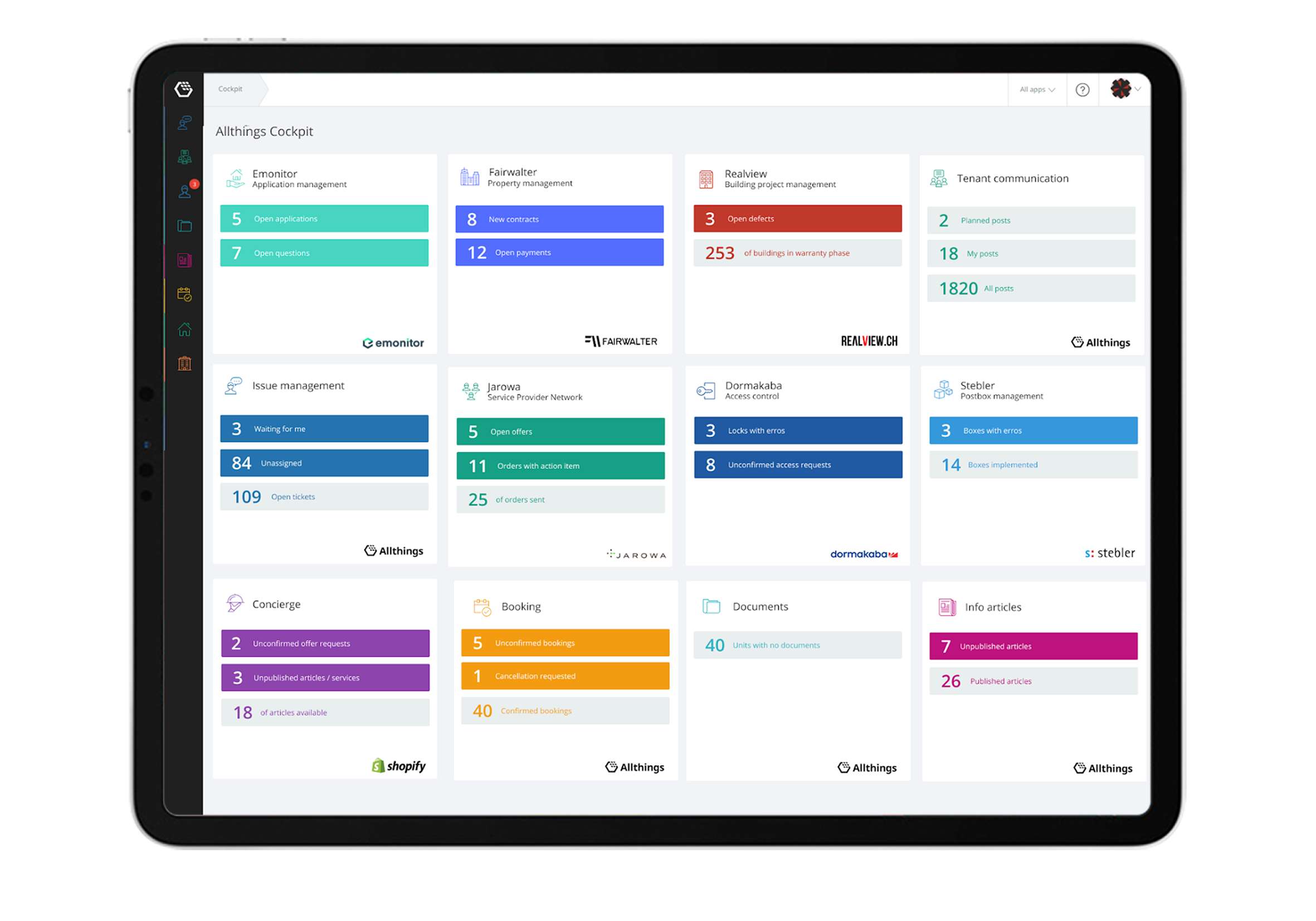
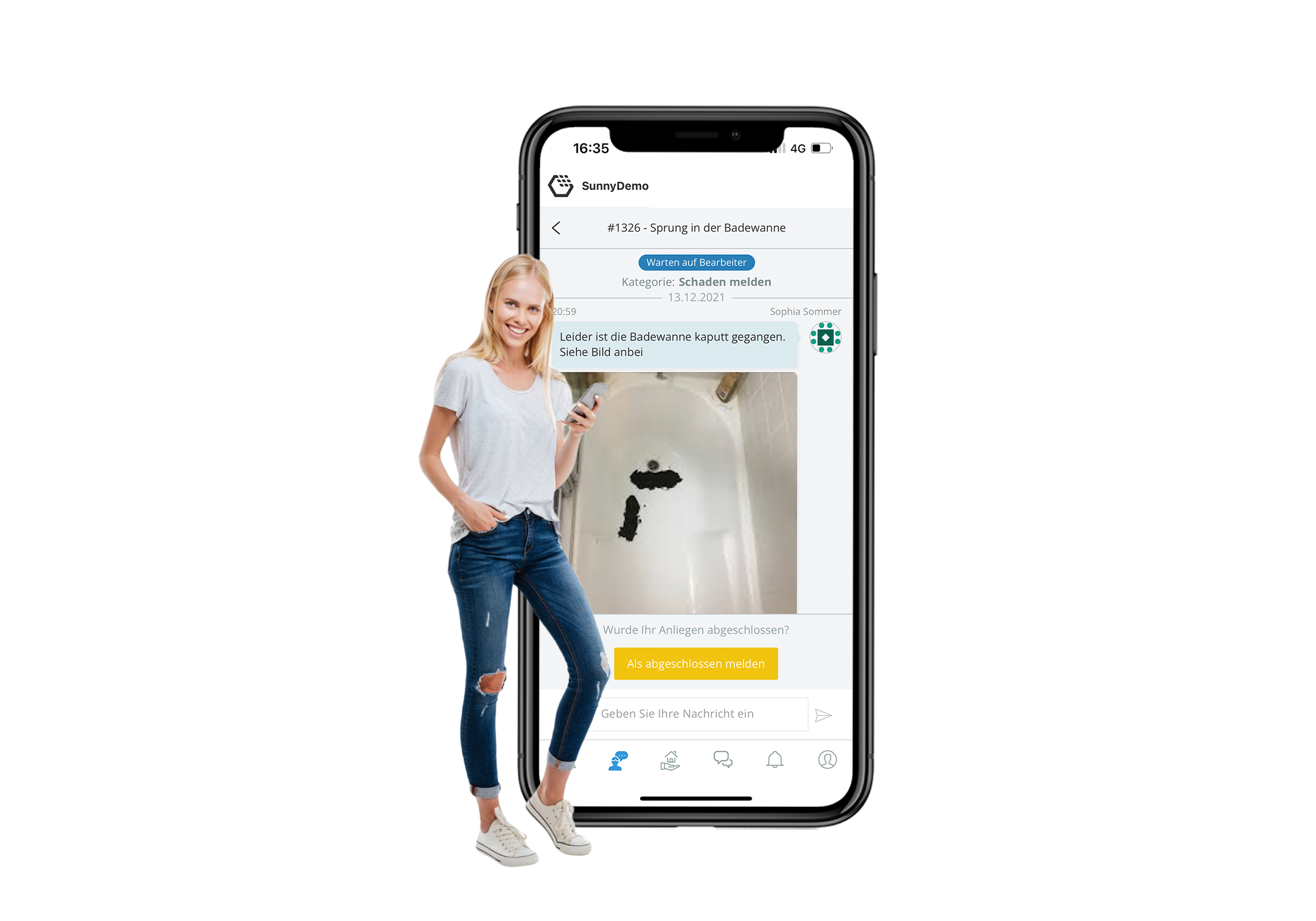
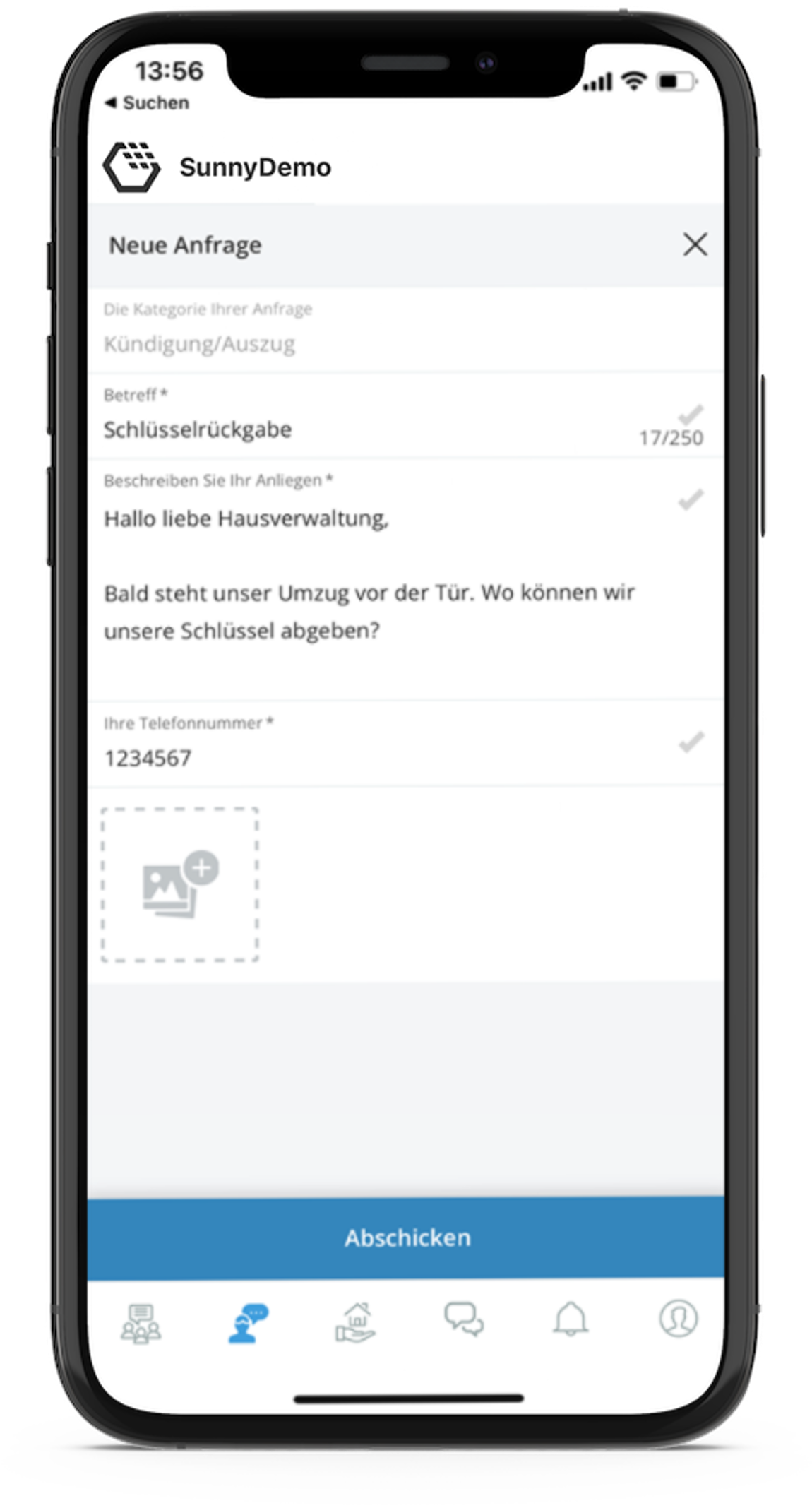
Send and process tenant requests and damage reports. Whether a request arrives via web form or email, with our ticketing system you have all tasks and tenant requests in view.
2 more images
2 more images
2 more images
Feature description
We connect all important building management systems and thus create continuous processes. For fewer media breaks, faster processing and more fun at work.
- Smart tickets and image-based web forms help tenants provide all important information
- Pre-prepared answers and individually adjustable processing procedures speed up the processing time
- From webform to email to app to phone call, all tenant concerns are brought together in one place
- High transparency and traceability even in the event of employee absences
- Simple rights and role management for the optimal mapping of your responsibilities
- Automatic assignment of tickets
- Simple further processing of tickets in other systems and with partners
Technical feature elements
Allthings data structure
This solution leverages the central Allthings data structure. As a result, all data relating to users, units, buildings, and projects is based directly on the standard Allthings data model.
Allthings role and permissions
This feature allows connected solutions to inherit roles and permissions directly from Allthings. This ensures that standard roles—such as property managers and caretakers—along with their permissions, are seamlessly utilized.
Dashboard card in Cockpit
The Cockpit dashboard card feature allows property or asset managers to access solution-generated dashboards and view open tasks.
Iframe integration
Iframe integration enables external solutions to be embedded directly within the Allthings app. Users benefit from a seamless experience, while content remains fully under the control of the solution provider and is merely rendered through the user interface.
Native integration
Native integration provides a custom-tailored view for the external solution. This ensures seamless integration on both the backend and the frontend.
KPI visualization
The KPI visualization feature gives property management team members direct access to all relevant key performance indicators.
Link integration
Link integration redirects users from the Allthings app to a new browser window for the external solution. Users temporarily leave the Allthings app during this process.
Notification integration
This integration allows connected solutions to leverage the central Allthings notification system directly for their own communication.
SSO for property management teams
Single Sign-on (SSO) allows team members to use their Allthings account to log in to connected solutions. This enables seamless authentication without the need to manage separate credentials for each application. Most importantly, SSO technology ensures that your original passwords are never shared with external solution providers.
SSO for residents
Single Sign-on (SSO) means that residents can use their Allthings account to log in to solution accounts. This method enables authentication without the need to create separate credentials for different solutions. Crucially, SSO technology ensures that the original login details are never shared with the solution provider.
Universal link integration
Universal Link Microapp feature enables the end user to run a solution integrated in Allthings via Microapp. Universal Link feature will redirect the user to a specific location within the solution. This eventually can be the App Store or GooglePlay Store.
Additional information
User flow rating
Level 3 of 3
Available countries
Available for all countries
Technical feature elements
- Allthings data structure
- Allthings role and permissions
- Dashboard card in Cockpit
- Iframe integration
- Native integration
- KPI visualization
- Link integration
- Notification integration
- SSO for property management teams
- SSO for residents
- Universal link integration
Developed for
- Property management
- Residents
Solution provider
Contact
Contact sales