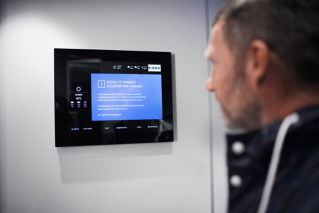
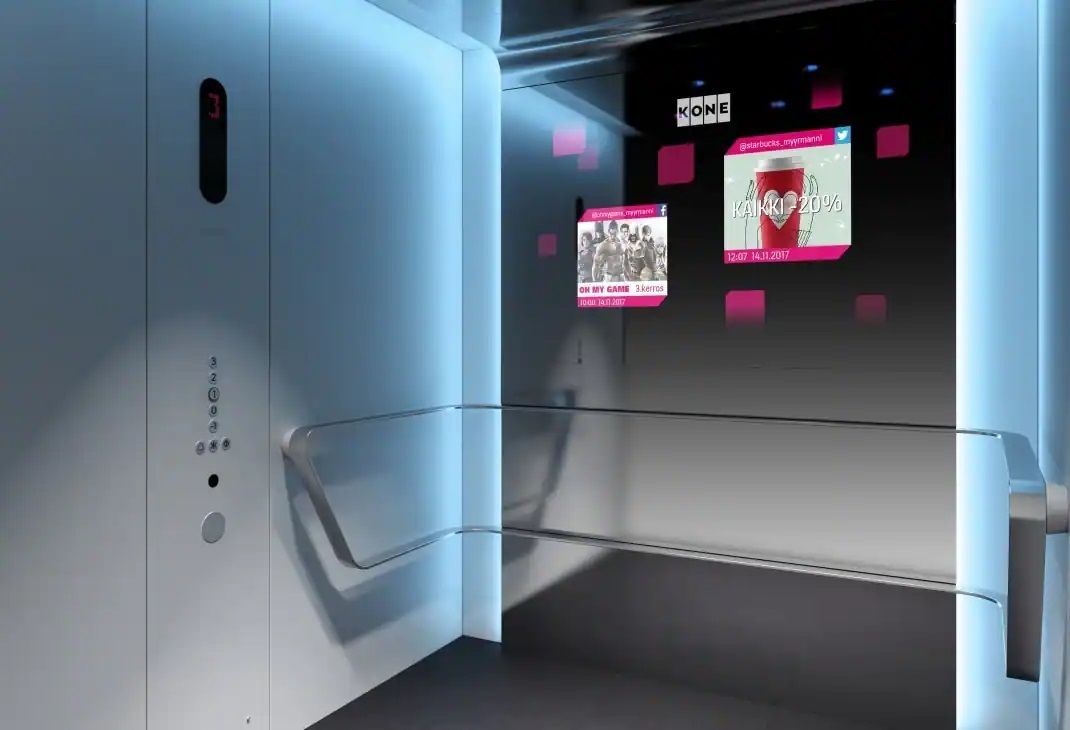
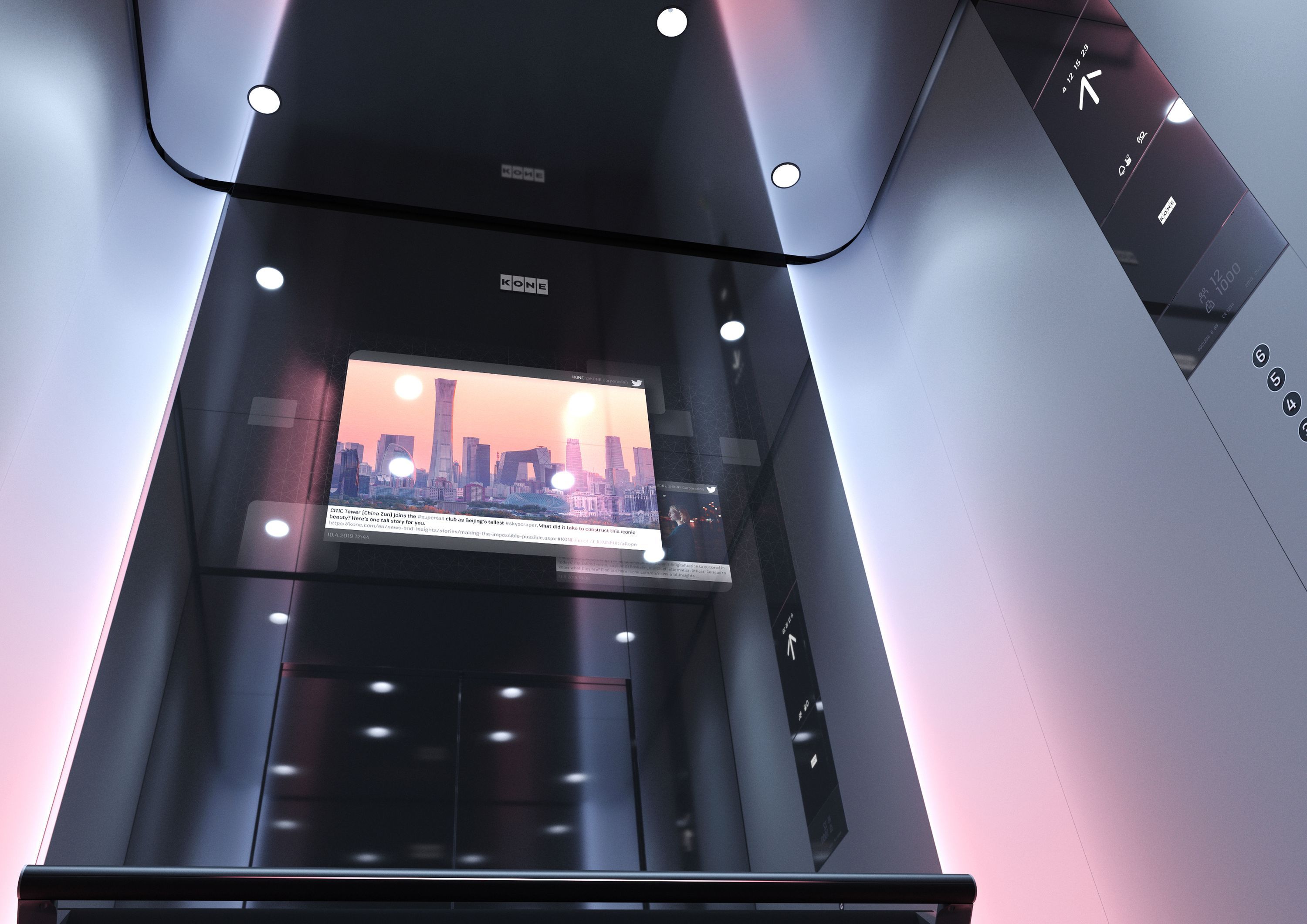
Manage the digital screens in your KONE elevators directly via Allthings: The connector automatically publishes pinboard posts to the physical screens on-site.
3 more images
3 more images
3 more images
3 more images
Feature description
Reach everyone in the property effortlessly: Publish important information simultaneously in the tenant app and on the digital KONE screens with just one click.
About the solution: KONE not only provides state-of-the-art elevators but increasingly equips them and the associated lobbies with digital screens (infotainment). These displays serve as prominent, high-traffic information platforms for residents and visitors within the building.
Your added value through the Allthings integration: With this connector, logging into separate digital signage systems is a thing of the past for your property management team. When drafting a message, a simple setting is enough to schedule and push the post to the KONE screens of the respective property. This ensures that important information (e.g., water shut-offs, maintenance work, or events) reaches people who might not actively use the app—completely eliminating duplicated effort in your communication processes.
How the integration works in the background:
Create Post: The property management team creates a standard message on the digital pinboard in the Allthings Cockpit.
Select Channel: By activating the screen option, the exact start and end times for the post to be visible on the screens are defined.
Automated Publication: The connector fully automatically transmits the text to the specifically mapped KONE screens in the building.
Real-time Synchronization: If the post is subsequently edited or deleted in Allthings, the displays in the elevator or lobby adjust instantly.
Key features at a glance:
Omnichannel Communication: Simultaneous publication in the app and on the physical screens of the property.
Centralized Control: No separate logins required for the KONE system; everything is managed via Allthings.
Maximum Reach: Information also reaches visitors and non-registered tenants.
Automated Sync: Edits and deletions are reflected on the screens in real time.
Technical feature elements
Allthings data structure
This solution leverages the central Allthings data structure. As a result, all data relating to users, units, buildings, and projects is based directly on the standard Allthings data model.
Additional information
User flow rating
Level 2 of 3
Available countries
Available for all countries
Technical feature elements
- Allthings data structure
Developed for
- Property management
- Residents
- Asset Manager
Required solutions
- Allthings Community
- Allthings Resident Portal
Solution provider
Contact
Contact sales